If you have forgotten your password, you can click the Forgot Password link to enter your user name and have your password emailed to you.
|
1.
|
In upper-right corner of the map viewer, click the Login link. The Welcome to OnPoint logon screen is displayed.
|
|
2.
|
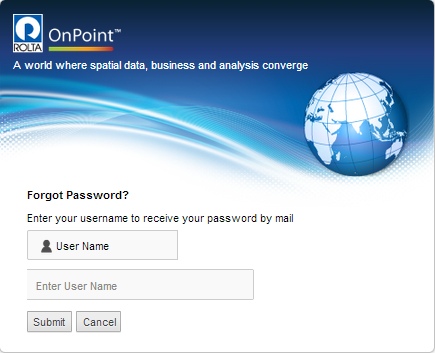
Click the Forgot Password link. The Forgot Password screen displays.
|
 |
|
3.
|